Best VPN for Russia
A practical guide to choosing the best VPN for Russia, with features, safety tips, and top recommendations.
Russia’s online landscape can be tricky for privacy and access. The best VPN for Russia should combine strong security, reliable access to blocked services, and clear privacy commitments. This guide explains what to look for, how to compare providers, and practical steps to stay safe online in Russia.
What makes a VPN suitable for Russia
Choosing a VPN for Russia comes with specific considerations. Here are the core factors to prioritize:
- Privacy and logging: Prefer providers with a strict no-logs policy and independent audits when possible.
- Encryption and security: Look for AES-256 encryption, secure VPN protocols (WireGuard, OpenVPN), and additional features like kill switch and DNS leak protection.
- Obfuscation and anti-censorship: In some networks, obfuscated or stealth servers help mask VPN traffic from deep packet inspection.
- Jurisdiction: A company based in a privacy-friendly jurisdiction reduces data exposure risk.
- Connection quality: Fast, stable servers across multiple countries help with streaming, browsing, and work.
- Platform support: Apps for Windows, macOS, iOS, Android, and extensions for browsers are important for coverage.
How to evaluate VPNs for Russia
When comparing VPNs, use a small checklist to separate marketing claims from real protection:
- Independent audits: Check if the provider has undergone third-party security audits.
- No-logs verification: Look for explicit statements and, if possible, external audits or court disclosures.
- Obfuscated servers: Confirm support for obfuscated or stealth VPN modes.
- Leak tests: Ensure DNS and WebRTC leak protection is built-in and testable.
- Kill switch: A reliable kill switch prevents data leaks if the VPN drops.
- Server network: A broad and strategically located server network helps with access and speed.
- Customer support: Responsive, knowledgeable support is a big plus, especially in time-sensitive situations.
Top features to look for in a Russia-friendly VPN
Some features are especially valuable in this context:
- Stealth/obfuscated mode: Conceals VPN traffic to appear as regular HTTPS traffic.
- Multi-hop or VPN over Tor options: Extra anonymity, though with potential speed trade-offs.
- Break-glass emergency access: Clear procedures for data requests, if applicable (note: many consumers won’t need this, but it’s part of privacy transparency for some vendors).
- Device-agnostic compatibility: Routers and smart TVs can be valuable for household-wide privacy.
- Bypass of firewalls: Some providers offer techniques to access blocked services while maintaining privacy.
A practical comparison of popular VPN options
Here is a concise table to compare common choices for Russia. Note: situations change. Always verify current terms and features.
- If you want a concrete recommendation, prioritize providers with independent audits, robust obfuscation, and good speed across multiple regions.
Real-world usage: streaming, browsing, and work
For many users in Russia, VPNs are used for: Best VPN for Egypt
- Accessing international streaming libraries that are otherwise geo-restricted.
- Bypassing censorship filters to reach uncensored information.
- Securing sensitive work communications on public or shared networks.
- Privacy protection against data collection by ISPs and advertisers.
Tips for practical use:
- Run a DNS leak test after connecting to a VPN to ensure your DNS requests aren’t leaking.
- Use the kill switch as a default safety setting.
- Choose a nearby server for better speed, but keep alternative servers in case of congestion.
- Regularly update the VPN app to maintain the latest security patches.
- Avoid free VPNs. Many monetize by logging data or injecting ads.
How to set up and optimize your VPN for Russia
A simple, reliable setup path:
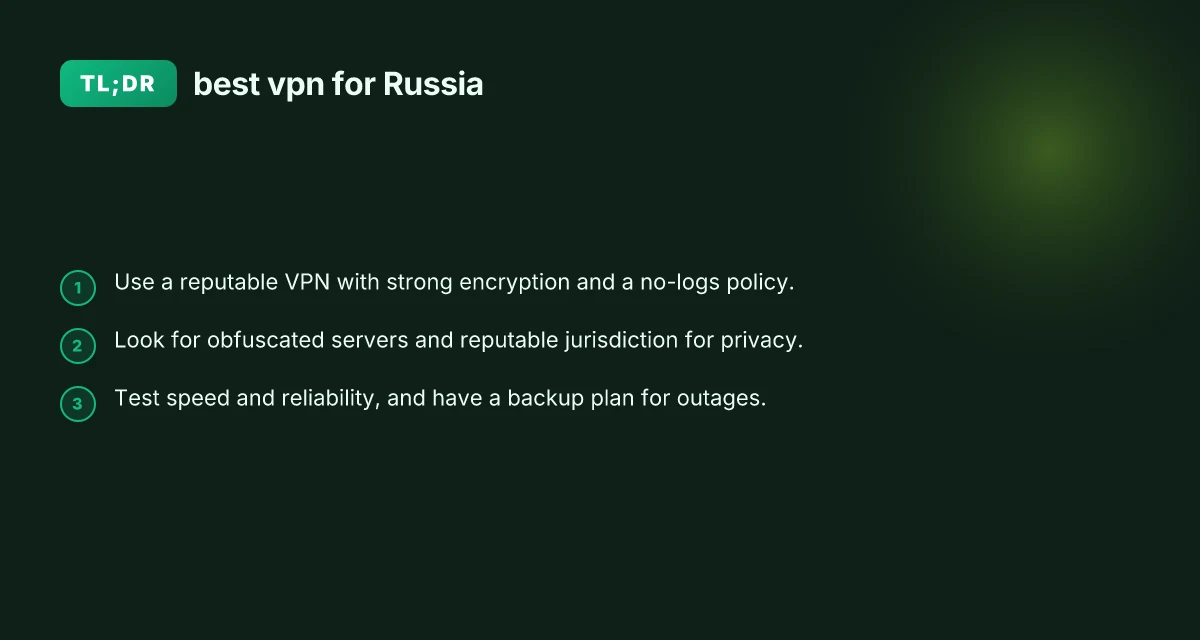
- Choose a reputable VPN with strong privacy promises and obfuscated option.
- Install the app on your main devices (and consider a router install for whole-home privacy).
- Enable the kill switch, DNS leak protection, and auto-connect at startup.
- Connect to a nearby obfuscated server. Test speed and latency.
- Verify that your IP address changes to a country of your choice and that there are no DNS leaks.
- Add backups: keep a second VPN account or a configured emergency mode for outages.
Common pitfalls and how to avoid them
- Overreliance on marketing claims: Independent audits matter. Look for real verification.
- Slow speeds on obfuscated servers: Expect some trade-off. Test multiple servers and protocols.
- Inconsistent access: Some services block VPNs. Have a plan to switch servers and protocols when needed.
- Data leaks: Regularly run privacy tests and enable all protective features.
- Device compatibility gaps: Ensure all critical devices (phones, laptops, routers) are covered.
Quick reference checklist
- Privacy: No-logs, independent audit, privacy policy transparent.
- Security: AES-256, WireGuard/OpenVPN, kill switch, DNS leak protection.
- Obscurity: Obfuscated/stealth servers available.
- Reliability: Fast, stable connections with broad server coverage.
- Transparency: Clear data practices, accessible support, and up-to-date apps.
Final recommendations
For most users looking for the best VPN for Russia, the strongest choice is a service with a proven no-logs policy, independent security audits, strong encryption, and obfuscated servers. This combination helps protect privacy, maintain access to information, and ensure reliable performance even under network restrictions. If you’re starting fresh, consider providers that openly publish audit results, offer robust obfuscation, and maintain a dense server network for speed and reliability.
If you want a concrete, current pick, aim for one of the main providers that consistently meet these criteria: solid privacy commitments, independent audits, obfuscated server options, and reliable customer support. Always verify today’s terms, pricing, and server availability, since the landscape can shift with regulations and network policies.
In the end, the best VPN for Russia is the one that balances privacy, security, and practicality for your specific needs, while offering trusted protections and dependable access. Best VPN for Qatar
| VPN | Obfuscation | From / month | Plan | Free plan | Refund | Alipay | UnionPay | Crypto | Website opens in China | Trustpilot | |
|---|---|---|---|---|---|---|---|---|---|---|---|
 ZoogVPN | Turn on manually Shadow | $2.49/mo | 27 months: $59.99 | Yes | 7 days | ✓ | ✓ | ✓ | ✓ | Official site blocked; our special link opens (4.4 s) | 4.2/5 (195 reviews) |
 NordVPN | Turn on manually Obfuscated Servers / NordWhisper | $3.49/mo | 27 months: $94.23 | No | 30 days | ? | ✗ | ✓ | ✓ | ✗ Blocked | 4.2/5 (51,628 reviews) |
 ExpressVPN | ✓ On by default all servers | $3.00/mo | 28 months: $84 | No | 30 days | ✗ | ✗ | ✓ | ✗ | ✗ Blocked | 4.4/5 (29,706 reviews) |
 Surfshark | ✓ On by default Camouflage, with OpenVPN | See site | See site | No | 30 days | ✗ | ✗ | ✗ | ✓ | ✗ Blocked | 4.3/5 (31,823 reviews) |
 Proton VPN | Turn on manually Stealth, free plan too | $2.99/mo | 12 months: $35.88 | Yes | 30 days | ✗ | ✗ | ✗ | ✓ | ✗ Blocked | 2.1/5 (1,040 reviews) |
 Astrill VPN | Turn on manually StealthVPN / OpenWeb | $12.50/mo | 24 months: $300 | No | See site | ✗ | ✗ | ✗ | ✓ | ✗ Blocked | 1.3/5 (110 reviews) |
 Private Internet Access | Turn on manually Shadowsocks, OpenVPN only | $2.03/mo | 40 months: $81.2 | No | 30 days | ✗ | ✗ | ✗ | ✗ | ✗ Blocked | 4.2/5 (11,033 reviews) |
 CyberGhost | Turn on manually selected servers | $2.19/mo | 28 months: $61.32 | No | 45 days | ✗ | ✗ | ✗ | ✓ | ✗ Blocked | 4.0/5 (24,178 reviews) |
 PureVPN | Turn on manually switch to OpenVPN | $1.69/mo | 60 months: $101.55 | No | 31 days | ? | ? | ✗ | ✓ | ✗ Blocked | 4.4/5 (17,994 reviews) |
 AdGuard VPN | ✓ On by default TrustTunnel | $2.99/mo | 24 months: $71.76 | Yes | 30 days | ✓ | ✗ | ✓ | ✓ | Official site blocked; our special link opens (3.7 s) | 4.3/5 (290 reviews) |
 Mullvad | Turn on manually QUIC / Shadowsocks / LWO | $5.61/mo | €5/mo | No | 14 days | ✗ | ✗ | ✗ | ✓ | ✗ Blocked | 3.2/5 (192 reviews) |
 Windscribe | Turn on manually Stealth / WStunnel | $5.75/mo | 12 months: $69 | Yes | See site | ✗ | ✗ | ✗ | ✓ | ✗ Blocked | 4.7/5 (13,355 reviews) |
 StrongVPN | Turn on manually Scramble, OpenVPN TCP | See site | See site | No | 30 days | ✓ | ✗ | ✗ | ✗ | ✗ Blocked | 4.4/5 (2,695 reviews) |
 LightXtreme 闪连 | Not listed | $7.08/mo | 12 months: $84.99 | Yes | 30 days | ✓ | ✓ | ✓ | ✓ | ✓ Yes (3.5 s) | No page |
Prices checked 2026-11-10 on each vendor's pricing page (cheapest long plan, USD). Check the vendor's checkout for the final price.
Obfuscation checked 2026-11-14 on each vendor's site and help center: "on by default" = nothing to set; "turn on manually" = switch protocol or mode in settings; "not listed" = the vendor describes no obfuscation.
Payment methods checked 2026-11-10 on each vendor's payment pages: all 14 take cards and PayPal; ✗ = not listed, ? = the vendor's own pages disagree.
China access: whether the official website opens from mainland China networks (tests the website only, not the VPN connection). Last checked 2026-11-18 01:02 Beijing time.
Trustpilot score and review count checked 2026-11-10.